
UniFlip Quickguides
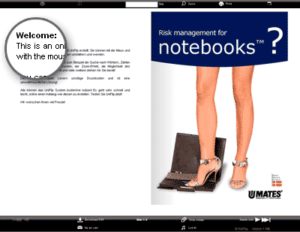
Without a license, it is not possible to make changes to the welcome text.
The welcome text will be a standard disclaimer that is inserted automatically by the system.
Your reader can easily send a link in an e-mail – including your information – to a colleague or a friend, it’s easy inside your Flash magazine. Your online document will be distributed faster than ever, and you will avoid the costs of printing and postage.
UniFlip automatically converts MS Office 2003 and 2007 files (incl., Word, PowerPoint and Excel) to PDF without any software downloads.
Your viewer is able to download and print all pages of your publication.
The PDF download function can be removed and disabled in your management module (only valid with license).
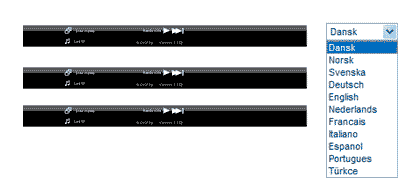
Choose from 12 different languages when you create your online catalog. Your reader will see all help messages in his or her native language. This feature makes it even easier for everyone to enjoy and use your online publication.
It’s easy for your reader to search for sentences, words or numbers within the online Flash publication, meaning that locating specific information is a snap. The search option is important if your publication contains a lot of pages, as it means that finding informations is even faster and easier for your readers.
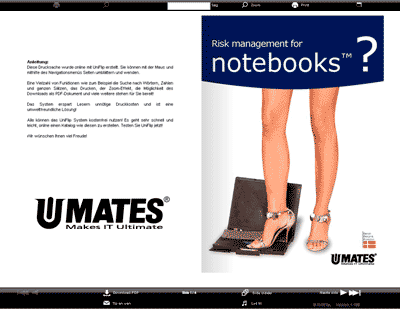
Below the welcome message you will be able to insert your company logo or a photo.
Insert a link to your website from the logo or picture. You can change the logo and picture at any time from your UniFlip management module.
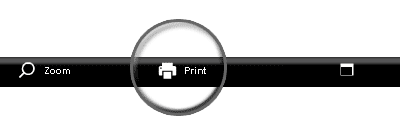
Clicking on the print icon in the navigation bar will print a single page.
When you have licensed the UniFlip publication, the administrator can disable the printing function so that printing physical paper pages can be controlled by management.
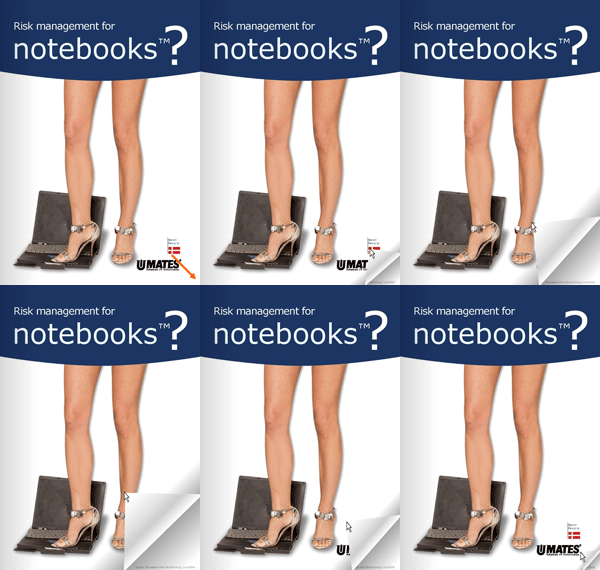
When documents are published in UniFlip, your information is presented through a reader-controlled, interactive experience.
This will enhance the reader’s comprehension and attention.
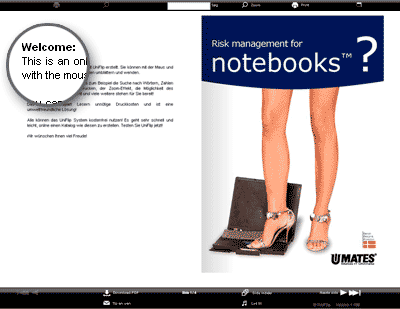
Customize the personal welcome message in the online flash flipbook on the the left of the first page.
Address your readers personally and customize the message according to the season and make changes to the content when it’s needed..
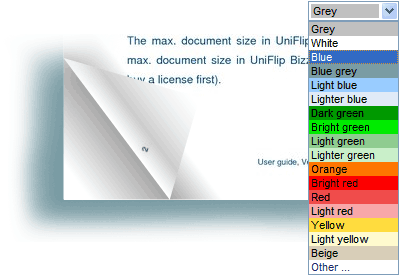
At any time you can make changes to the background. color of the online publication. By choosing your company’s signature color or a seasonal one, enhance the professional presentation of your new online 3D publication.
The Internet is more fun with sound and audio, and your readers will be more interested when they hear the sound of flipping pages. You readers can choose to disable the audio option.
Upload din PDF og forvandl til bladvende sider