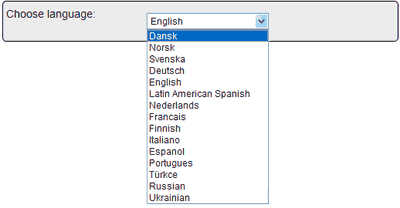

To make changes to your publication, click the Edit link that appears to the right of your publication. Choose from 23 different languages for the navigation text and make your online publication easier to navigate for your foreign readers. Click “My publications” tab – click “Edit” a and choose a new language and click “Save” and the Flash publication will be updated.